
kumiko guide: from install to your first report
kumiko is the reporting and management platform that kōdōkalabs builds for marketing agencies and for in-house teams that run marketing for several clients or business units. It runs on your own server under your own name, logo and colours. It brings ads, analytics, SEO, social, CRM and review data into one place, so your team spends less time copying numbers into slides and more time on what the numbers mean.
This guide takes you from an empty server to your first client report, and then serves as a reference for daily work. For an overview of the product and its prices, see the kumiko page. You can also try the live demo (opens in a new tab).
How this guide is organised
Pages for admins come first, pages for daily users follow.
- Installation (admins): install kumiko on your server and install the licence.
- First steps for admins (admins): brand, legal texts, team and AI models.
- Clients (admins and delivery leads): add clients, set targets and give clients a login.
- Connectors (admins and delivery leads): connect the 25 data sources.
- Reports and dashboards (daily users): build, version and share reports.
- Findings, action queue and AI (daily users and admins): act on findings and set the AI policy.
- Reviews module (daily users): answer reviews from one inbox.
- Updates, backups and rollback (admins): install new versions safely.
- Manage your licence (admins): domain, plan, billing and invoices.
The fastest path to your first report
- Install kumiko on your server and install the licence. See the installation page.
- Set your brand and review the legal texts. See the first steps page.
- Add your first client, with its channels and targets. See the clients page.
- Connect the first source, for example Google Ads. See the connectors page.
- Create the first report from a template. See the reports page.
Daylight, Night or Muted
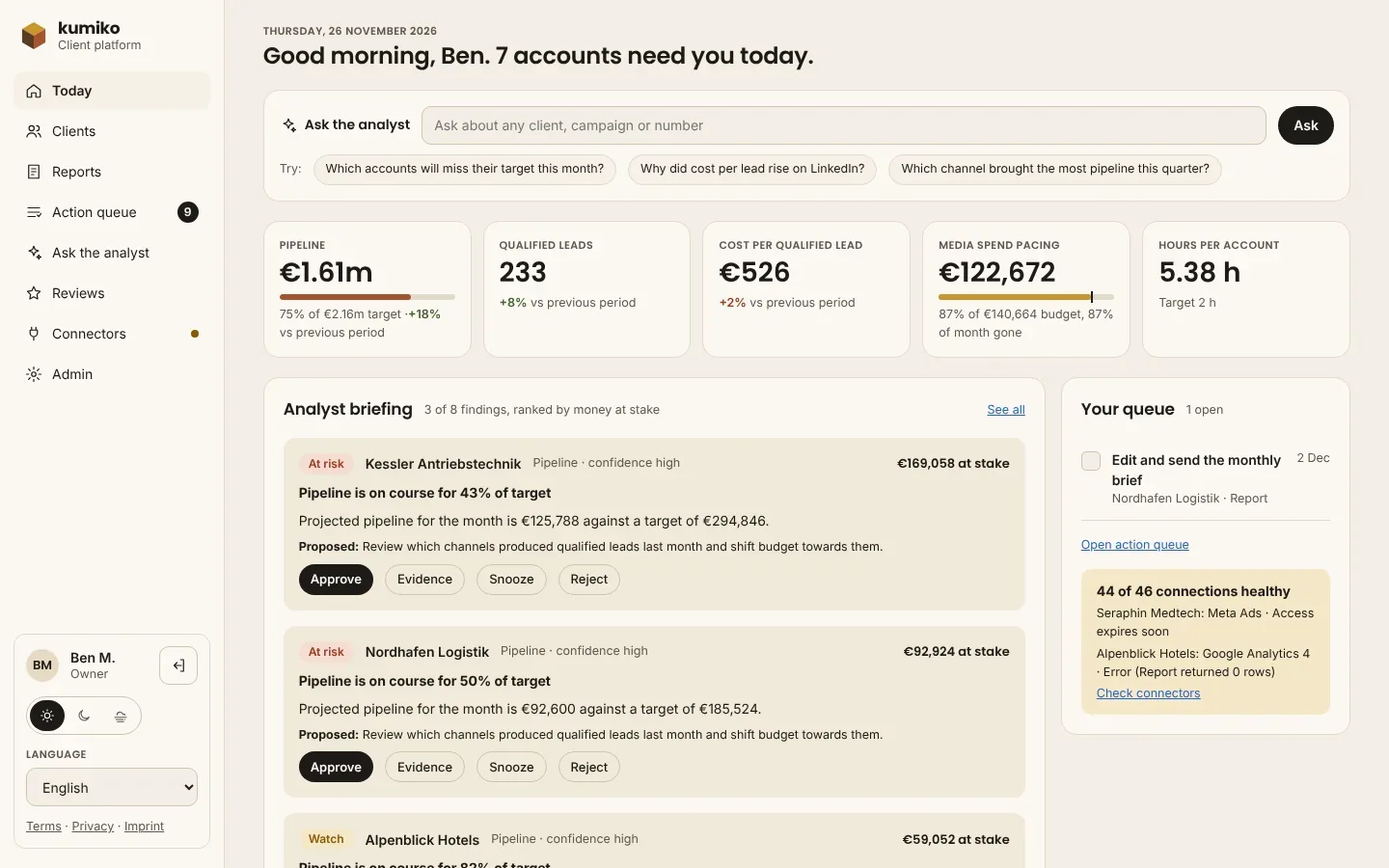
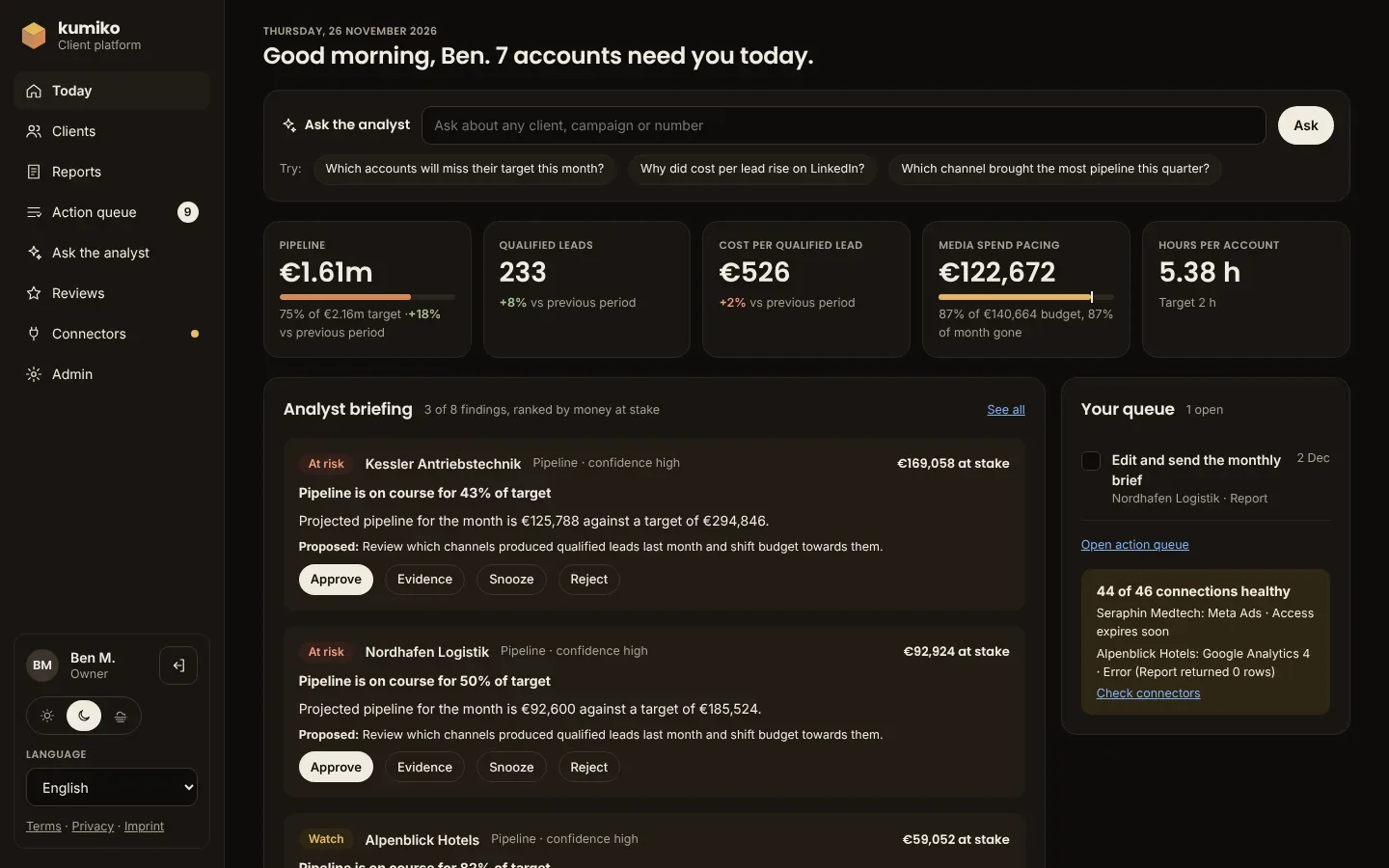
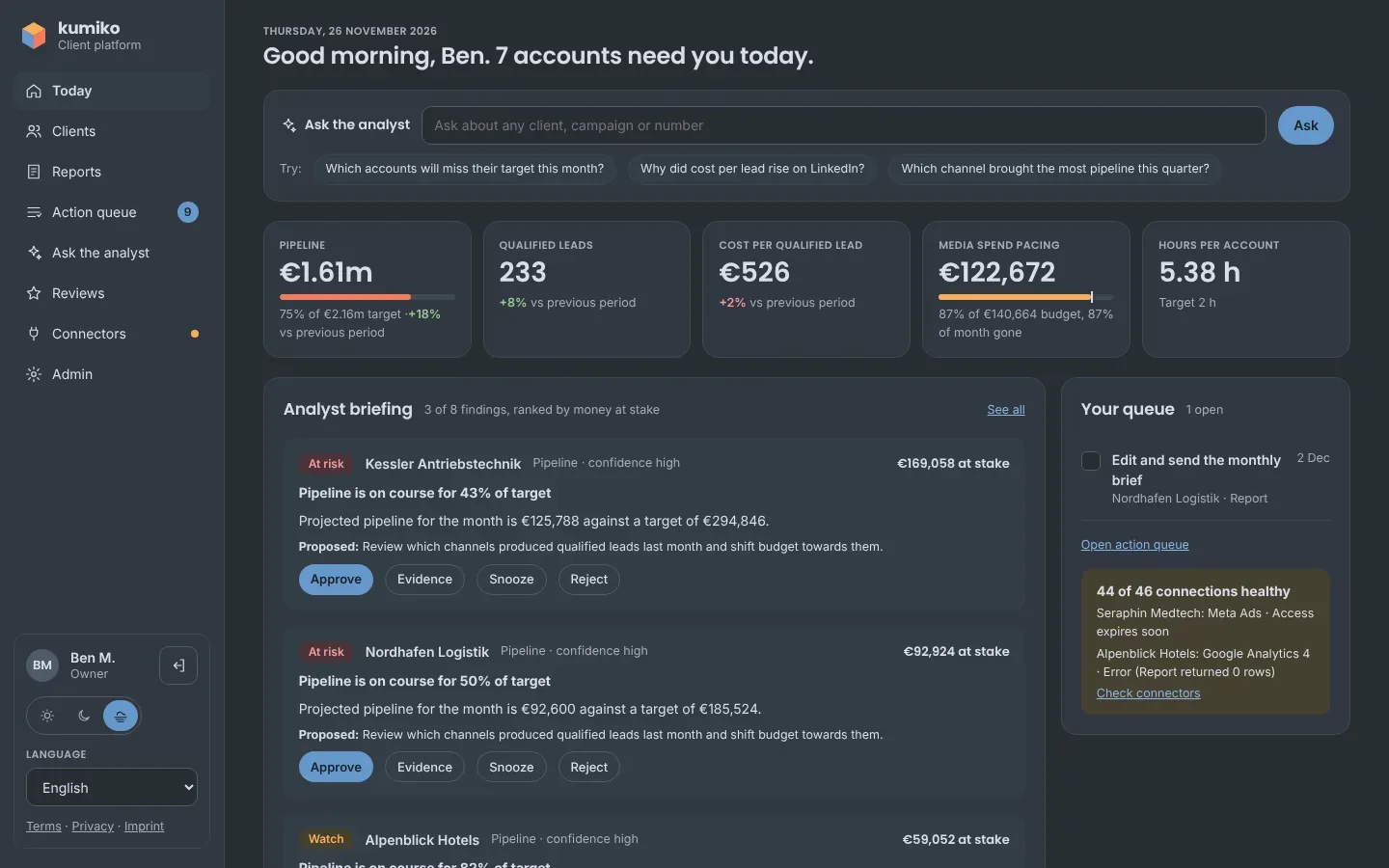
Every user picks a theme with the three icons in the sidebar, under their name. Daylight uses the sun icon, Night uses the moon icon and Muted, a softer slate palette that is easier on the eyes, uses the fog icon. You set the colours of all three under Admin.
Languages
The kumiko interface is available in English, German and Spanish, including emails, legal text templates and the way numbers, currencies and dates are written. Each user picks a language in the sidebar. Findings, reply drafts and AI answers are written in the reader’s language, or in the client’s language for anything the client sees.
FAQ
Do I need a developer?
You need to be comfortable with a terminal. The installer does most of the work, and the installation page lists every command. kumiko runs with Docker Compose on a Linux server.
What does kumiko cost?
kumiko is licensed per month or per year, by the number of clients. The plans and prices are on the kumiko page.
Can kōdōkalabs host kumiko for us?
Yes, for companies that work with kōdōkalabs. kōdōkalabs then runs kumiko for you, so you need no server and no licence of your own. The prices are on the kumiko page.
Where does my clients’ data live?
On your own server. It reaches an AI provider only if you add one and the client’s AI policy allows it.
Does kumiko work without AI?
Yes. Reports, connectors, findings and the action queue work without AI. Ask the analyst and AI reply drafts need a model.
Can I try kumiko first?
Yes. You can click through the live demo (opens in a new tab), or request a 30-day evaluation with up to 3 clients through the contact page.
Questions? Write to kumiko@kodokalabs.com.
Next: installation.