
AI Workflow Documentation: What Every System Needs
AI Workflow Documentation: The Minimum Operating Record
Executive Summary
Key Takeaways:
- Prompt documentation alone is insufficient – a workflow needs its purpose, architecture, roles, data, tests, exceptions, and monitoring documented too.
- The Minimum Workflow Documentation Pack defines twelve components every AI-enabled workflow should have on record.
- Documentation depth should scale with consequence, complexity, and data sensitivity – not be applied uniformly regardless of stakes.
- Good documentation is what makes incident investigation, handover, and capability transfer actually possible.
- Documentation should be built alongside the workflow, not reconstructed after deployment once something has already gone wrong.
What Is AI Workflow Documentation?
AI workflow documentation is the complete, controlled record of everything needed to understand, operate, audit, improve, transfer, and eventually retire an AI-enabled marketing workflow – designed as part of the workflow’s construction, not assembled after the fact when a handover or an incident forces the question. It’s broader than any single artifact: a prompt, a workflow diagram, and a test result are each pieces of it, but none of them individually constitutes complete documentation.
The word “controlled” carries real weight in this definition, distinguishing genuine documentation from an informal collection of notes and screenshots scattered across whatever tool happened to be open when someone thought to write something down. Controlled documentation has a defined location, a known owner, a version history, and a review process – properties that make it findable and trustworthy months or years later, when the person who built the workflow may no longer be involved with it. Documentation that technically exists somewhere but can’t reliably be found, or that no one can vouch for as current, provides very little of the operational memory this guide is describing, even though it might satisfy a checkbox that says “documentation exists.”
Why Prompt Documentation Alone Is Insufficient
A saved prompt tells you what instruction was given to a model. It doesn’t tell you why the workflow exists, what data it’s permitted to draw on, who’s accountable when it produces a flawed result, what model version it was tested against, what happens when it encounters an exception, or how anyone would know if its performance degraded. Teams that document only the prompt, believing that constitutes adequate documentation, discover the gap precisely when they need documentation most – during a handover, an incident investigation, or an audit – and find the prompt alone answers almost none of the questions actually being asked.
This gap tends to stay hidden for a surprisingly long time, because a workflow can run smoothly with only prompt-level documentation for months, right up until the moment something outside the prompt’s own logic changes – a new team member joins, the underlying model updates, a client asks for evidence of how the workflow was validated, or an output causes a problem that needs investigating. Each of these moments requires exactly the information prompt-only documentation never captured: who’s responsible, what the workflow depends on, what was tested, and what should happen when something goes wrong. Discovering the gap at that moment, under time pressure, is considerably more costly than building the fuller documentation alongside the workflow from the start would have been.
What Good Documentation Enables
The Minimum Workflow Documentation Pack

#
Component
Contents
1
2
3
4
6
7
8
9
10
11
12
Workflow Map and Architecture Record
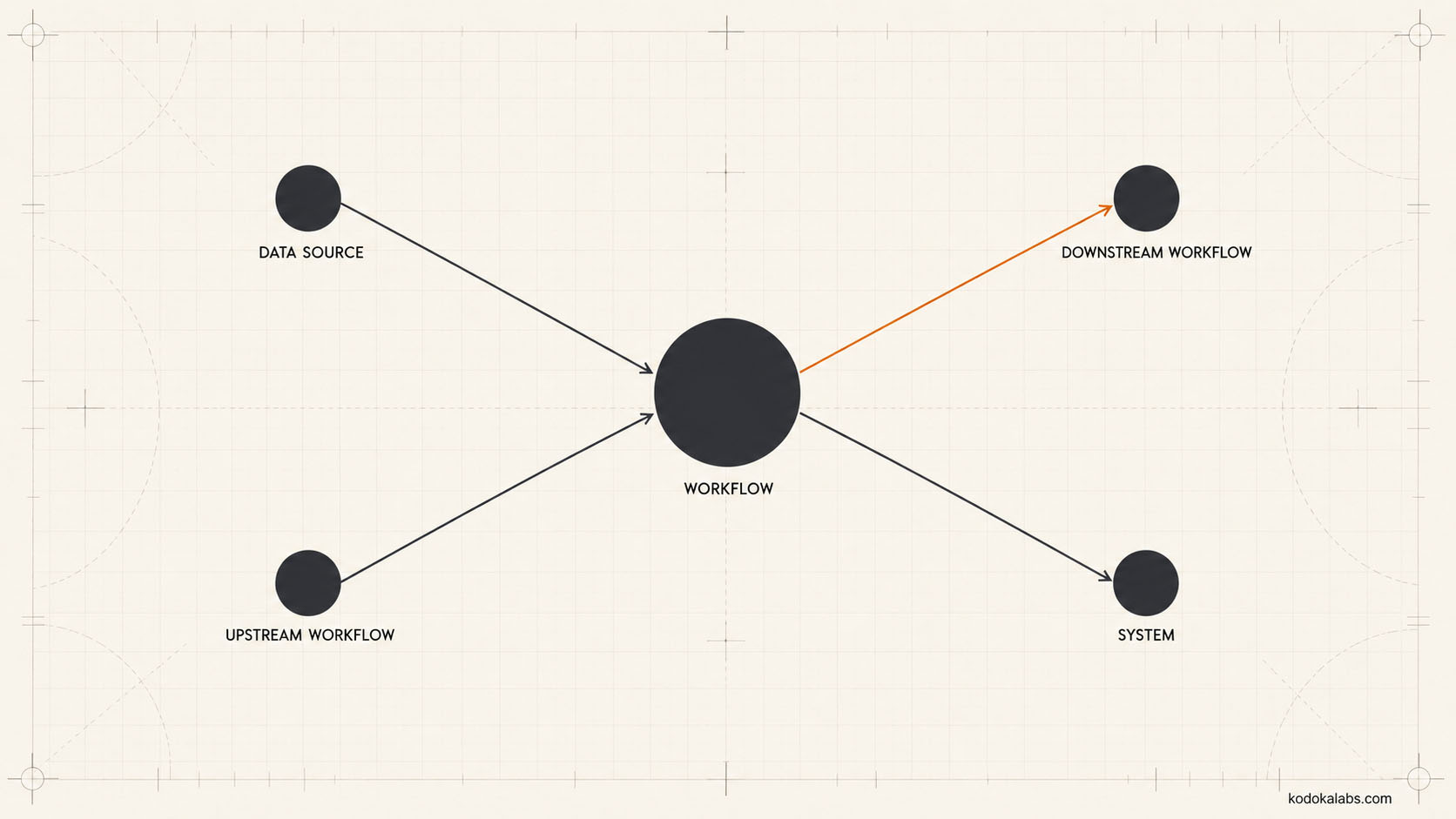
Roles, Decision Rights, and Human Gates
Data, Knowledge, Tools, and Dependencies
Prompts, Agents, Models, and Configuration
Rather than describing prompt or agent behavior informally, documentation should reference the specific, governed versions in use – the registry ID from Enterprise Prompt Architecture, the Agent Contract from a multi-agent architecture, and the specific model or vendor configuration the workflow was validated against. This keeps the workflow documentation synchronized with the underlying governed assets rather than drifting into its own, separately maintained description of behavior that may no longer match reality.
Tests, Evaluations, and Acceptance Evidence
Exception, Incident, and Recovery Runbooks
The exception and incident runbook specifies what to do when the workflow encounters a known exception type, and separately, what to do if something unexpected occurs that the runbook doesn’t already cover – including who to contact and how to safely pause or roll back the workflow if necessary. Without this documented in advance, an actual incident forces someone to improvise a response under time pressure, which tends to produce worse decisions than a calmly designed runbook would.
Runbooks are worth writing even for exceptions that seem unlikely, because the value of a runbook is highest precisely in the moment no one anticipated needing it. A well-designed runbook doesn’t need to anticipate every possible failure – it needs to establish a clear default response (who to contact, how to pause the workflow safely, what to preserve for later investigation) that applies even to a failure mode the document never specifically named. That general fallback is often more valuable than an exhaustive list of specific scenarios, because the specific scenario that actually occurs is disproportionately likely to be one nobody thought to document in advance.
Monitoring and Measurement Definitions
Versioning and Change Control
Every material change to the workflow – a new prompt version, an updated permission, a revised approval step – should be recorded in a change log, consistent with the Change Record discipline described in Data-Led Iteration. This is what lets someone later understand not just how the workflow currently operates, but how it got there and why specific changes were made.
Versioning and Change Control
Every material change to the workflow – a new prompt version, an updated permission, a revised approval step – should be recorded in a change log, consistent with the Change Record discipline described in Data-Led Iteration. This is what lets someone later understand not just how the workflow currently operates, but how it got there and why specific changes were made.
Documentation Depth by Risk
kōdōkalabs’ Documentation Depth Test scales how much detail each documentation component actually needs based on several factors: consequence, complexity, data sensitivity, whether the workflow takes external actions, how many dependencies it has, how frequently it changes, and how likely it is to need transfer to a new owner. A simple, low-risk, rarely changing internal workflow can have a lighter version of each documentation component than a complex, high-risk, frequently changing workflow that takes external actions and handles sensitive data – applying the same heavyweight documentation standard to both wastes effort on the former and risks under-documenting the latter.
Getting this calibration wrong tends to happen in a predictable direction: teams under time pressure default toward lighter documentation across the board, since writing less always feels faster in the moment. The cost of that shortcut is deferred rather than eliminated – a high-risk workflow that was under-documented to save time during initial build ends up costing considerably more time later, when a handover, an incident, or a client audit forces someone to reconstruct information that should have been captured the first time, often without access to the original context that would have made reconstruction straightforward. Treating the Documentation Depth Test as a genuine gate, applied honestly rather than rationalized away under deadline pressure, is what prevents that deferred cost from accumulating across an organization’s workflow portfolio.
Risk Factor
Documentation Implication
High consequence
High complexity
High data sensitivity
External actions
Many dependencies
Frequent change
High transfer likelihood
Ownership, Review, and Freshness
Handover and Capability Transfer
The handover record component exists specifically to support the kind of genuine ownership transfer described in kōdōkalabs’ Enable phase – what a new operator needs to know to take over confidently, distinct from the deeper architecture and testing records aimed at auditors or investigators. A workflow with excellent technical documentation but no handover-specific summary can still leave a new operator lost, because the information they need is scattered across several dense technical records rather than assembled into a usable starting point.
This distinction matters because thorough documentation and usable documentation aren’t automatically the same thing. It’s possible to satisfy every component of the Minimum Workflow Documentation Pack in exhaustive technical detail and still hand a new operator something they can’t practically use on their first day, simply because no one assembled the specific subset of information – what to check first, who to ask, what the most common exceptions look like in practice – that a person taking over actually needs. The handover record exists precisely to solve that assembly problem, and it’s worth treating as a distinct deliverable rather than assuming it emerges automatically
Common Failure Modes
- Prompt-only documentation – mistaking a saved prompt for complete workflow documentation.
- Static snapshots – documentation created once during initial design and never updated as the workflow evolves.
- Uniform depth regardless of risk – applying the same heavyweight (or lightweight) documentation standard to every workflow regardless of consequence.
- No exception runbook – a workflow with no documented response for known or unexpected failure conditions.
- Undocumented dependencies – no record of what other systems or workflows a given workflow relies on or affects.
- Documentation without ownership – records that exist but have no accountable owner keeping them current.
- No handover-specific summary – technical documentation that exists but isn’t organized in a way a new operator can actually use to take over.
Documentation Checklist
Frequently Asked Questions
01 What documentation does an AI-enabled marketing workflow actually need?
02 Why is documenting only the prompt insufficient?
03 How much documentation depth does a given workflow need?
04 What should an exception runbook include?
Specific responses for known exception types, guidance for unexpected situations the runbook doesn't already cover, escalation contacts, and a safe way to pause or roll back the workflow.